- Турбо
- Блог
ESD drawer cabinets for small electronic parts should be specified from the package size, pick frequency, identity rules and ESD handling environment. A cabinet with many drawers can still fail if a pouch catches on a lip, drawers mix lots, labels disappear when fronts are replaced, or operators reach awkwardly for frequent parts. Choose a cabinet depth and drawer count that preserve sealed packages and allow a clear location for each material unit. Verify drawer travel, load, cleaning and electrical requirements on a production-intent sample before filling the cabinet. Black plastic or an ESD label alone is not proof of a complete protection system.
Choose the drawer size from the protected item
Measure the pouch, tube, tape segment or small tray that will go inside. Include the seal edge and gloved hand clearance. A cabinet may hold the bare component in theory but fail with its approved protective package. Check the full loaded drawer for smooth travel and whether units slide toward the back or become trapped under another package.
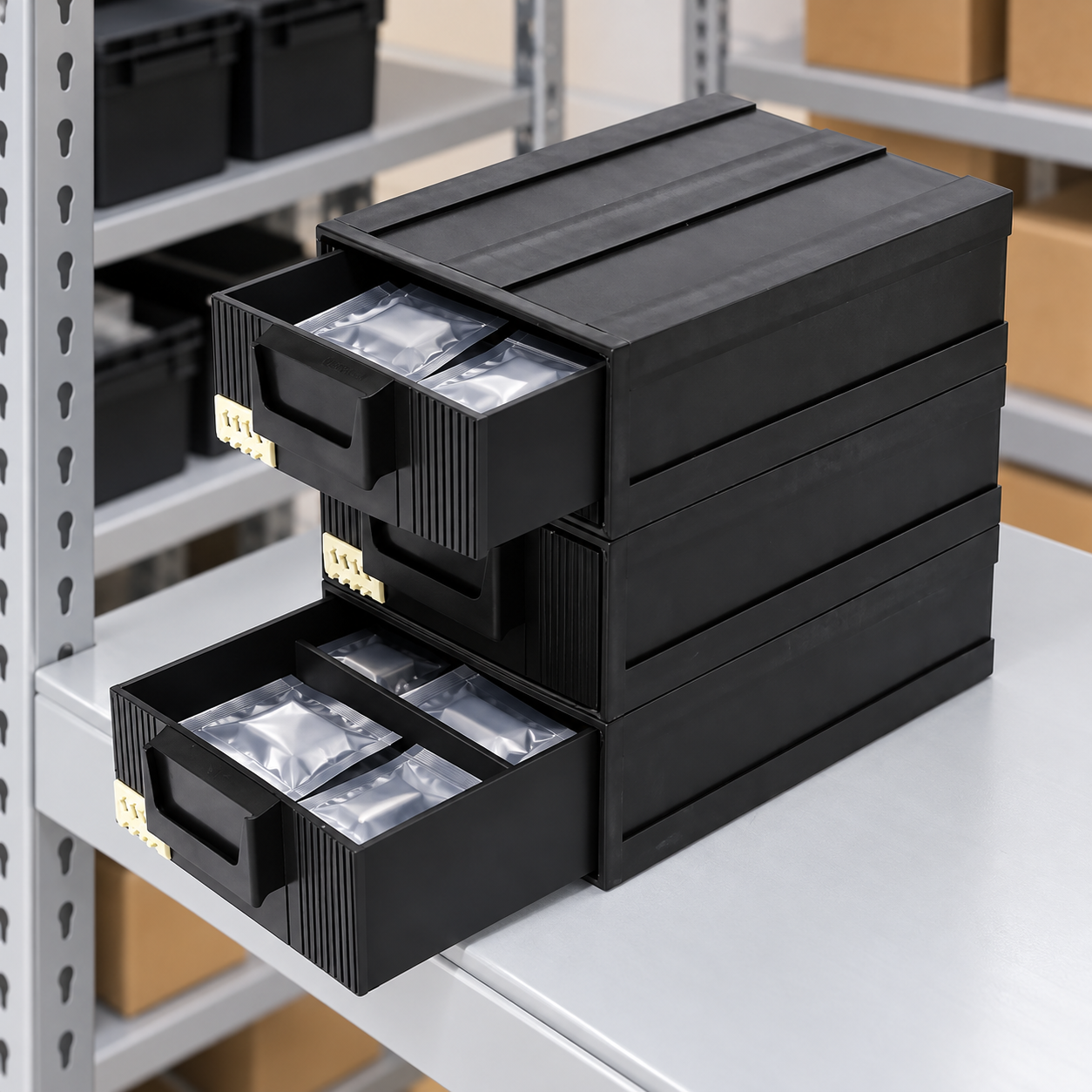
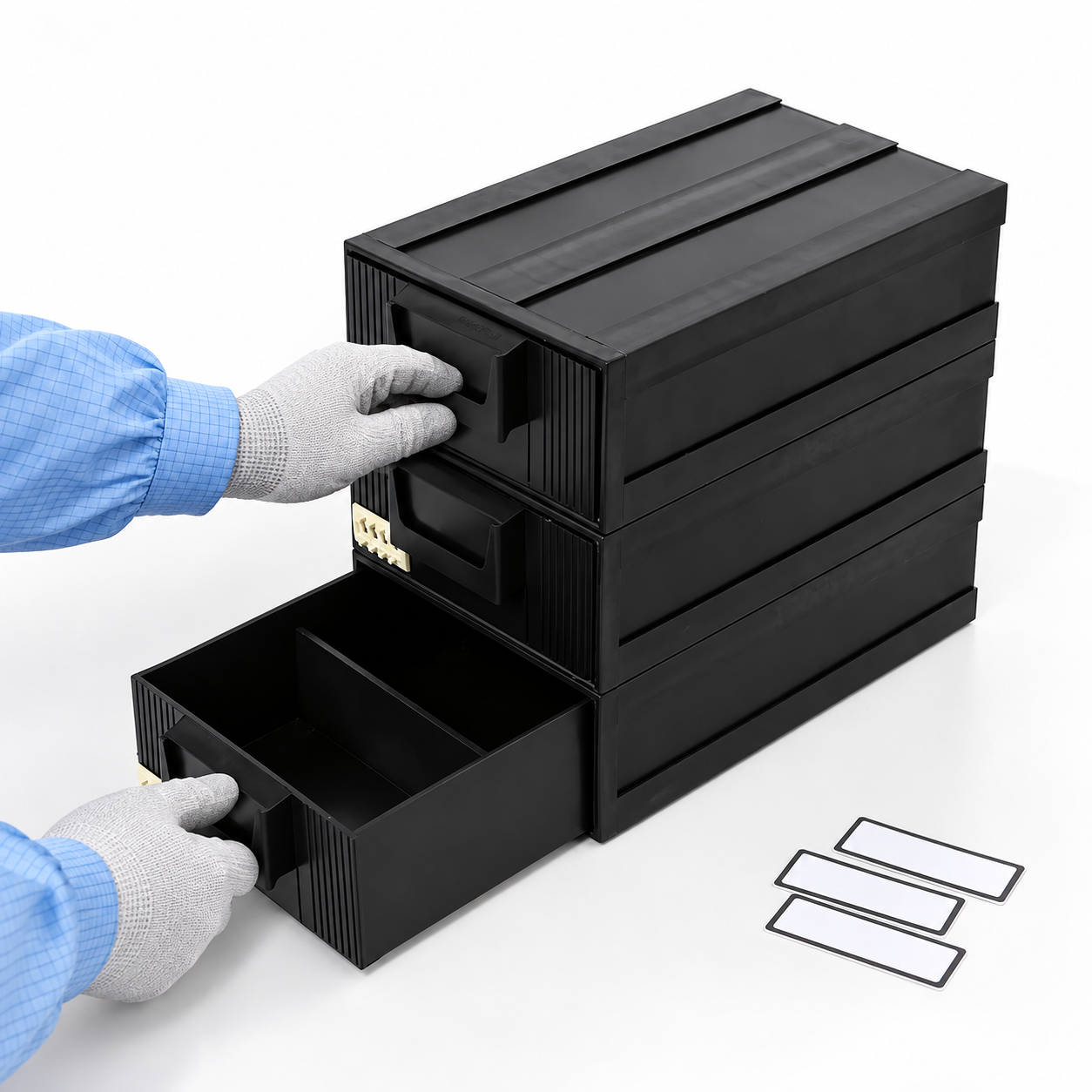
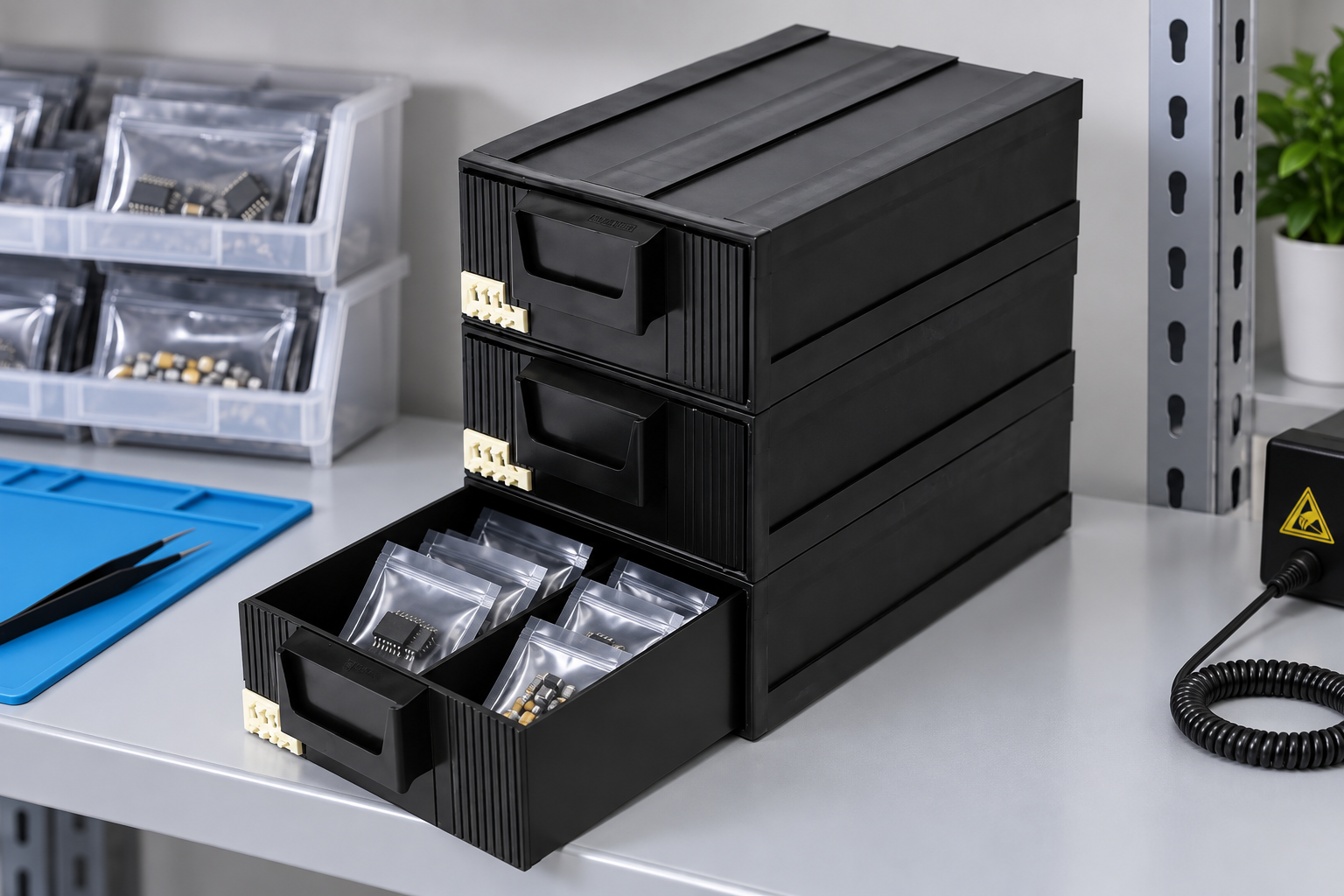
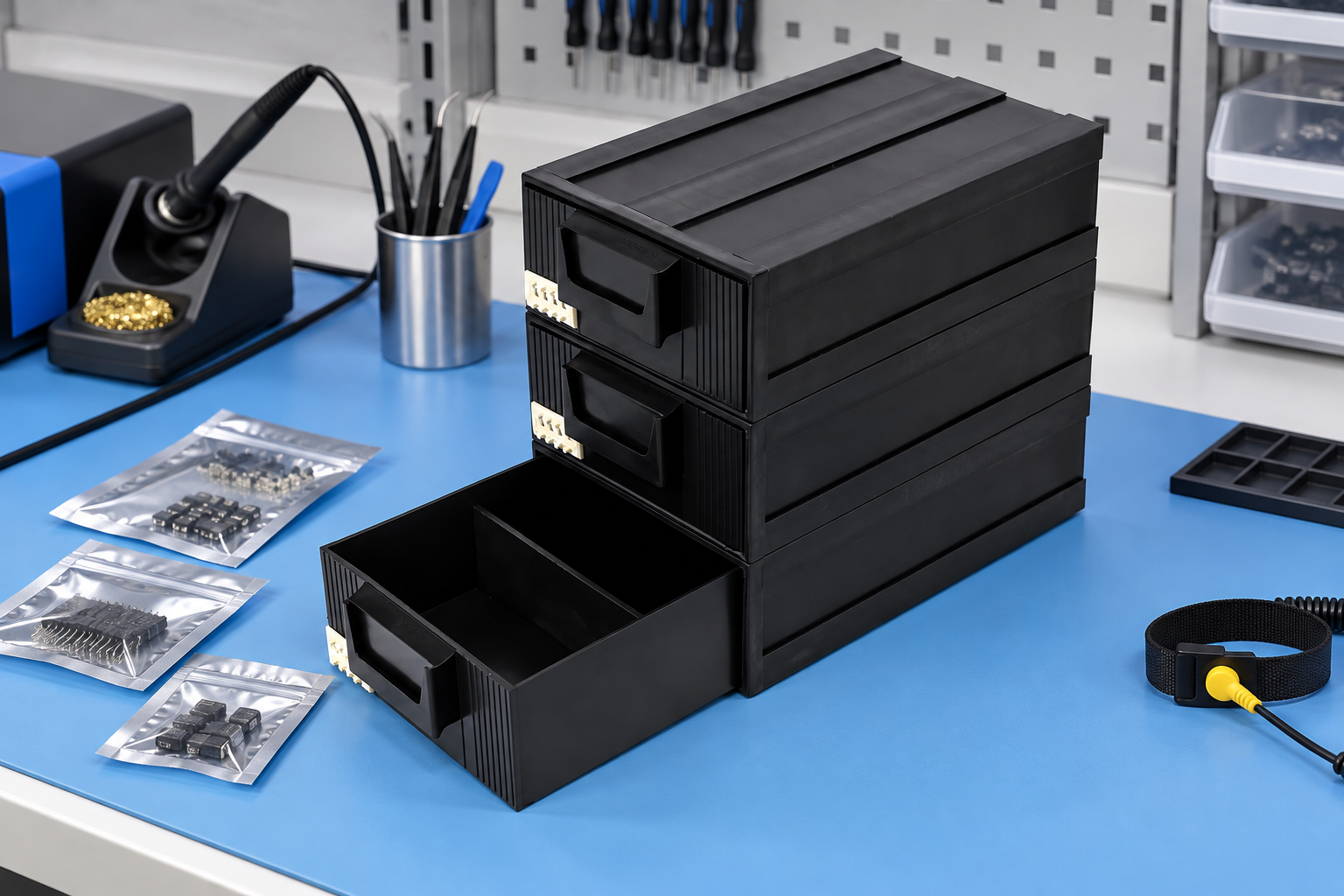
Земля SWESD drawer-style component bin is the product reference in these images. It has a black three-drawer form with inset handles visible in the site photo. Confirm the actual dimensions, material and load with the supplier for the chosen application. The illustrations do not establish a tested capacity.
| Cabinet feature | Вопрос покупателя | Sample test | Possible failure |
|---|---|---|---|
| Drawer depth | Can the package be lifted intact? | Gloved withdrawal trial | Pouch seal bent or hidden |
| Drawer travel | Does it open and close under load? | Repeated loaded cycles | Jam or unintended release |
| Divider | Are lots truly separated? | Shake and pick trial | Units cross compartments |
| Label front | Can the code be read at shelf height? | Scan at normal position | Wrong drawer selected |
| Cabinet support | Is the whole unit stable? | Multiple-drawer access trial | Tipping or shelf overload |
The limits for load, stability and material performance should come from the product specification and site risk assessment.
Separate ESD properties from appearance
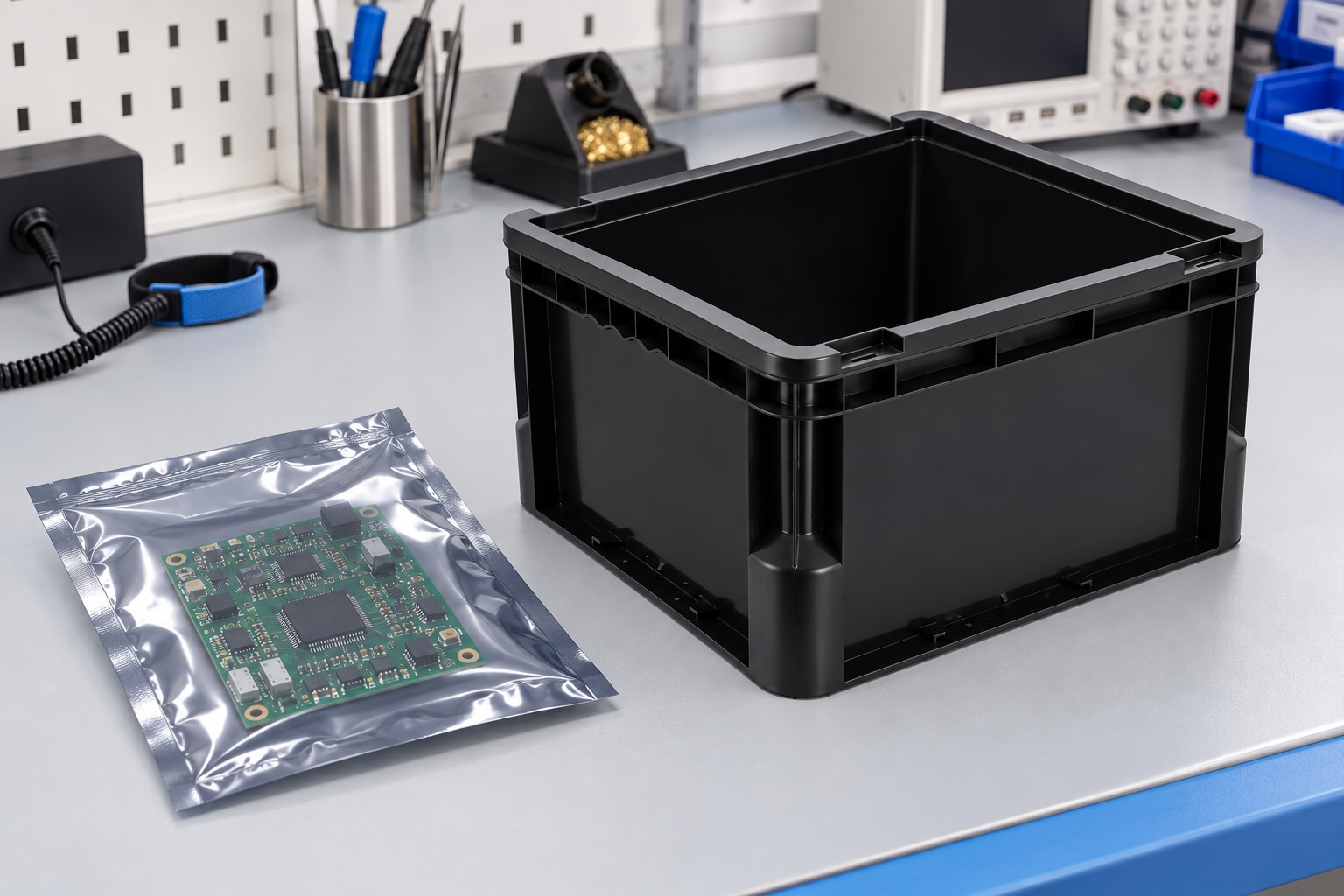
Determine whether the cabinet is inside an EPA and whether material remains in a protective package. The EOS/ESD Association’s ESD fundamentals explain the role of material handling containers and packaging. Ask for the property and test method relevant to the actual device and route. Do not treat black color as an electrical measurement.
If components leave their protective pouches, ensure the station’s surfaces, personnel and tools follow the approved ESD control program. A drawer cabinet does not create an EPA on its own. For movement outside the protected area, use the packaging or container system that provides the required protection.
Give every drawer a stable address
Use a cabinet asset ID and drawer position that remain stable as contents change. Label each material unit with part number, revision, lot, quantity and status. If multiple lots share a drawer, require physical separation and distinct unit labels. GS1 US describes the value of unique inventory and location identification in its inventory management overview. A local code scheme is also possible when it is unique and consistently used.
Test the label from the operator’s real viewing angle. A front label that folds when a drawer opens or is covered by a handle is not useful. Replace labels through a controlled process so an old part number is not left on a reused drawer. The tray labeling and MES guide describes identity and reprint controls that also apply to drawer locations.
Check stability and ergonomic access
Open a fully loaded top drawer and observe whether the cabinet shifts. Check the shelf attachment or base support, especially when several drawers may be opened during a kit. Avoid placing heavy items high in the cabinet. NIOSH’s ergonomics guidance explains why repetitive lifting and awkward reaches should shape a work area.
Put high-frequency parts at a comfortable level and slower stock in reserve. A cabinet with more drawers is not always better if operators must search several small compartments. Pilot the layout with actual work orders and count wrong openings, missed scans and time to retrieve a sealed unit.
Control dividers and mixed inventory
Dividers may help separate several package types, but only if they are approved for the drawer and do not shed particles or obstruct travel. Test a loaded drawer after normal movement. Do not assume a divider visible in an illustration is a supplied accessory. Ask for the exact configuration and cleaning instructions in the RFQ.
Keep quality hold, new stock, removed parts and scrap in separate cabinets or clearly segregated locations. A drawer full of small pouches can look orderly while carrying unapproved material. The rework station organizer guide covers workflow zoning and job-level segregation after that page is established.
Plan cleaning and replacement
Inspect handles, fronts, rails, dividers and interior corners for wear or residue. Clean with a method qualified for the cabinet material and label system, then dry and inspect before reuse. A drawer that binds or has a cracked edge should be removed from service. Keep a record if cabinets move between areas or are reassigned to another part family.
For cleaning method qualification, see ESD bin cleaning and contamination control. For site-level storage and status rules, see ESD warehouse storage.
Compare cabinet options in a short pilot
Use production-intent samples with the largest and smallest planned packages. Try a frequent-pick order, a revision change, a partial return and a mislabel exception. Have an experienced and a trained relief operator use the same cabinet. The best option should preserve packages, prevent lot mixing and make abnormal status obvious without slowing routine picks.
Record cabinet part number, material statement, drawer dimensions, load, layout, labels, scan results and operator feedback. Keep rejected options and reasons in the purchasing file so a later buyer does not repeat the same unsuitable selection.
Decide how much inventory belongs in each drawer
A drawer should hold enough stock to support its normal replenishment interval without burying older material. Use actual picks and response time to set the standard quantity. Test with the supplier’s real package size, because the same component may arrive as a reel, tube or pouch. If the package format changes, the drawer assignment may need to change even when the part number stays the same.
Leave room for the operator to read the label and lift a package without moving every other unit. A packed drawer can create hidden date or lot mixing. If several material units share a drawer, use approved separators and require a separate identity for each. A larger drawer with deliberate separation may be better than several tiny drawers that are difficult to label and scan.
Plan relocation and reconfiguration
Cabinets at repair benches may move when work cells change. Give the cabinet a stable asset ID and the drawer a position code that can be mapped to a new physical location. Before moving it, reconcile the contents and close or secure drawers. After moving, verify cabinet stability, labels and the WMS location. Do not let a reconfiguration silently change which drawer contains a part.
If the cabinet is modular, test any proposed stacking or side-by-side arrangement. Check that opening a full drawer does not shift the combined unit and that labels remain visible. Keep the approved configuration in the layout record so an operator cannot add another module and assume the old stability result still applies.
Distinguish cabinet selection from station workflow
This article helps a buyer choose and validate the cabinet. A rework station has additional decisions about incoming assemblies, removed parts, approved replacements, tools and completed jobs. Use the same cabinet only after those zones are assigned and the current-job area can be cleared between work orders. A well-specified drawer does not prevent a mix-up if the station’s status rules are missing.
Ask quality and technicians to review the sample together. Purchasing can verify price and capacity, while the users can expose access and label problems. Document the decision and any needed accessory before ordering a full bank of cabinets. Repeat the relevant checks if the supplier changes the polymer, drawer front, handle or divider.
RFQ checklist
- Package dimensions and maximum drawer load.
- Required ESD property and EPA use condition.
- Drawer count, travel, handle and divider configuration.
- Cabinet stability and shelf support.
- Label position, scan angle and location code.
- Cleaning agent, inspection and replacement criteria.
- Representative loaded pilot and acceptance record.
Further learning: ESD control context
This EOS/ESD Association lecture explains the protection context that a cabinet must fit.
Часто задаваемые вопросы
Does a black drawer cabinet automatically protect bare parts?
No. Verify the material and use it within the approved ESD handling system.
Can several lots share one drawer?
Only with approved physical separation and a distinct identity for each unit; one material unit per position is simpler.
What should a buyer test first?
Load real protective packages and check gloved access, drawer travel, stability and label readability.
Can a cabinet location identify the material inside?
The location is stable, while the material unit and lot must be recorded separately whenever contents change.
When should a drawer be replaced?
Remove it for review when damage, binding, contamination or lost identity affects approved use.
Оставить ответ